A brief for your page.
Work from the campaign example to define who you want to reach, what you offer and how AI should represent you.
AI COURSE + WEBINAR WITH COLBY BLACK
A step-by-step online course and guided webinar. Learn to automate your organic Instagram growth workflow, create AI videos and avatars, and build custom tools, with real examples from my work.
Step-by-step lessons. Real work examples. Q&A with Colby.
▶ Watch the preview · 36 seconds
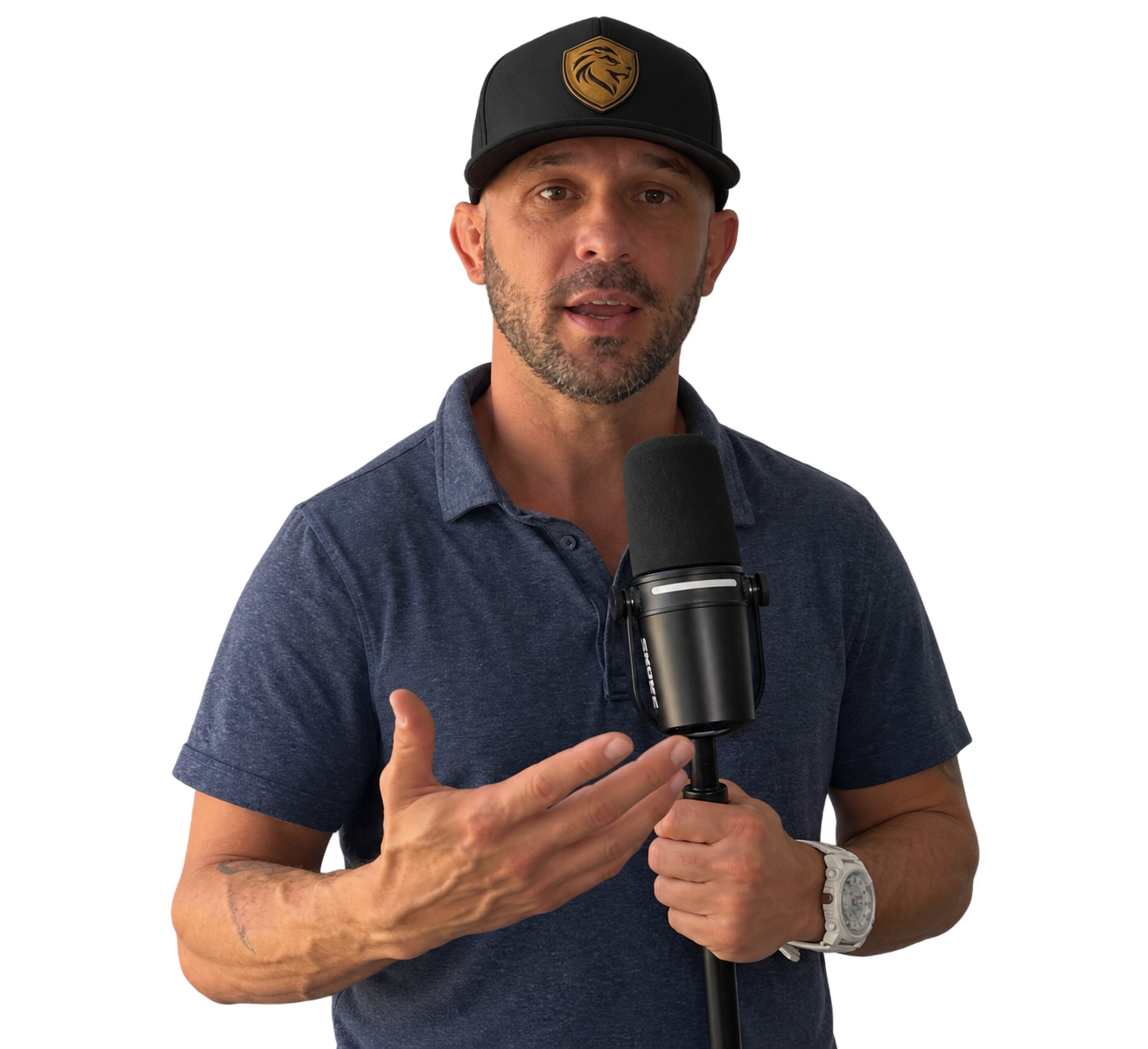
REAL CASE STUDY · ORGANIC INSTAGRAM GROWTH
20 → 1,113 followers in 6 days, 2 hours. Observed average: 179.7 net followers per day (7.49 per hour). Learn how I automated repetitive outreach tasks for Photo Logic Studio, see the real campaign and results, then adapt the workflow to your own page.
For creators and business owners who want a practical way to build an audience, with their judgment still in the process.
An AI-agent workflow. An evolving account.
1,113followersObserved
November 6, 2026, 7:50 p.m. to November 12, 2026, 9:50 p.m. Central.
24 checkpoints · Equal spacing shows sequence, not elapsed time. White: screenshot. Purple: owner report. Gold: report/receipt time. Swipe to see every checkpoint.
+1,104 from the original 9-follower report · +313 since 800 · +613 since 500.
1,113 − 20 = 1,093; 1,093 ÷ (525,625 ÷ 86,400) = 179.6627 net followers per day. The observation log spans 6 days, 2 hours, 25 seconds; headlines use minute precision.
| Followers | Date & time | Timestamp source | Evidence |
|---|---|---|---|
| 9 | Nov 6, 2026 · Time not recorded CT | Owner report | Owner report |
| 20 | Nov 6, 2026 · 7:50 PM CT | Image metadata / supplied screenshot | Open source ↗ |
| 21 | Nov 6, 2026 · 8:08 PM CT | Image metadata / supplied screenshot | Open source ↗ |
| 31 | Nov 6, 2026 · 8:40 PM CT | Image metadata / supplied screenshot | Open source ↗ |
| 51 | Nov 6, 2026 · 10:33 PM CT | Image metadata / supplied screenshot | Open source ↗ |
| 101 | Nov 7, 2026 · 11:01 AM CT | Image metadata / supplied screenshot | Open source ↗ |
| 131 | Nov 7, 2026 · 2:59 PM CT | Image metadata / supplied screenshot | Open source ↗ |
| 191 | Nov 8, 2026 · 8:25 AM CT | Image metadata / supplied screenshot | Open source ↗ |
| 200 | Nov 8, 2026 · 9:46 AM CT | Image metadata / supplied screenshot | Open source ↗ |
| 383 | Nov 9, 2026 · 7:45 AM CT | Image metadata / supplied screenshot | Open source ↗ |
| 402 | Nov 9, 2026 · 9:07 AM CT | Image metadata / supplied screenshot | Open source ↗ |
| 414 | Nov 9, 2026 · 9:48 AM CT | Image metadata / supplied screenshot | Open source ↗ |
| 485 | Nov 9, 2026 · 5:28 PM CT | Image metadata / supplied screenshot | Open source ↗ |
| 500 | Nov 9, 2026 · 7:29 PM CT | Image metadata / supplied screenshot | Open source ↗ |
| 510 | Nov 9, 2026 · 8:49 PM CT | Image metadata / supplied screenshot | Open source ↗ |
| 516 | Nov 9, 2026 · Time not recorded CT | Owner report | Owner report |
| 553 | Nov 9, 2026 · 11:50 PM CT | Image metadata / supplied screenshot | Open source ↗ |
| 615 | Nov 10, 2026 · 6:33 AM CT | Original screenshot clock and image creation metadata: 2026-11-10T06:33:38-06:00 | Open source ↗ |
| 628 | Nov 10, 2026 · 7:55 AM CT | Original screenshot clock and image creation metadata: 2026-11-10T07:55:34-06:00 | Open source ↗ |
| 643 | Nov 10, 2026 · 9:53 AM CT | Original screenshot clock and image creation metadata: 2026-11-10T09:53:39-06:00 | Open source ↗ |
| 703 | Nov 10, 2026 · 3:43 PM CT | Original screenshot clock and image creation metadata: 2026-11-10T15:43:28-06:00 | Open source ↗ |
| 787 | Nov 11, 2026 · 12:33 AM CT | Image creation metadata: November 11, 2026, 12:33:11 AM America/Chicago; screenshot clock 12:33 | Open source ↗ |
| 800 | Nov 11, 2026 · 1:23 AM CT | Image creation metadata: November 11, 2026, 1:23:09 AM America/Chicago; screenshot clock1:23 | Open source ↗ |
| 1,113 | Nov 12, 2026 · 9:50 PM CT | Live profile refreshed and observed November 12, 2026, 9:50 p.m. America/Chicago. Observation time, not original post or follower arrival time. | Open source ↗ |
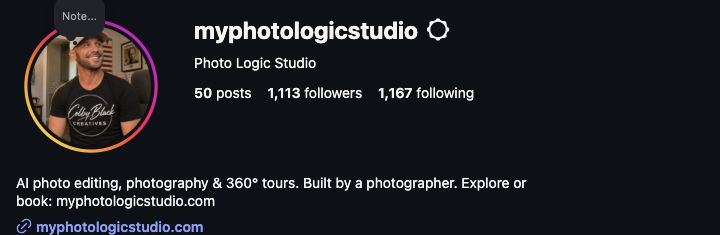
Live Instagram profile observed November 12, 2026, 9:50 p.m. Central: 1,113 followers, 1,167 following and 50 posts. Colby describes this as organic growth using an AI-agent workflow. The measured window starts at the 20-follower screenshot and ends at the live profile check. It does not establish when the account was created or which activity caused each follow. The original 9-follower baseline is an owner report with no recorded time. The 628 and 703 times are report receipts, not verified capture times. The 414 screenshot reads 9:48; its earlier report says 9:49.
OPEN THE ORIGINALS
Open original ↗November 12, 2026 · 9:50 p.m. Central. Live profile checkpoint.
 Open original ↗
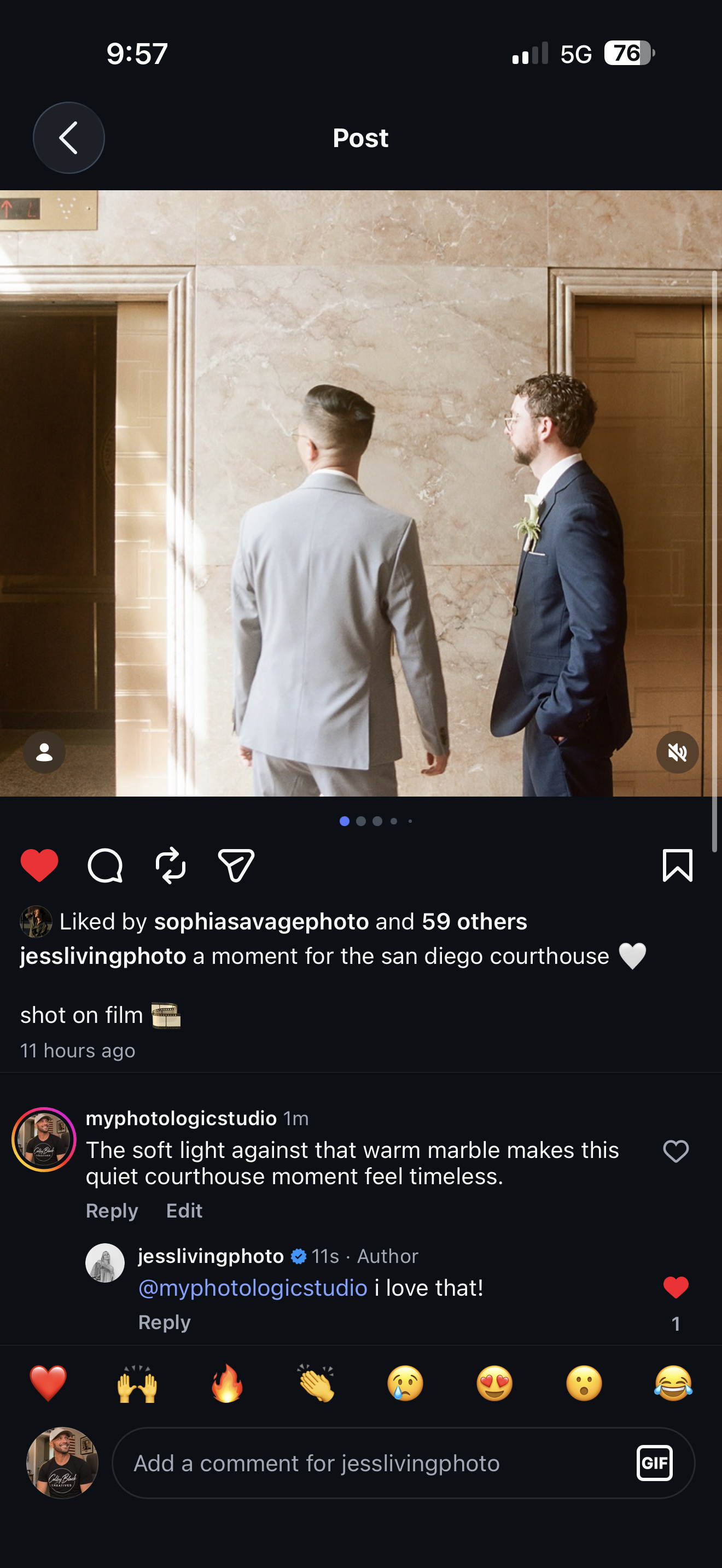
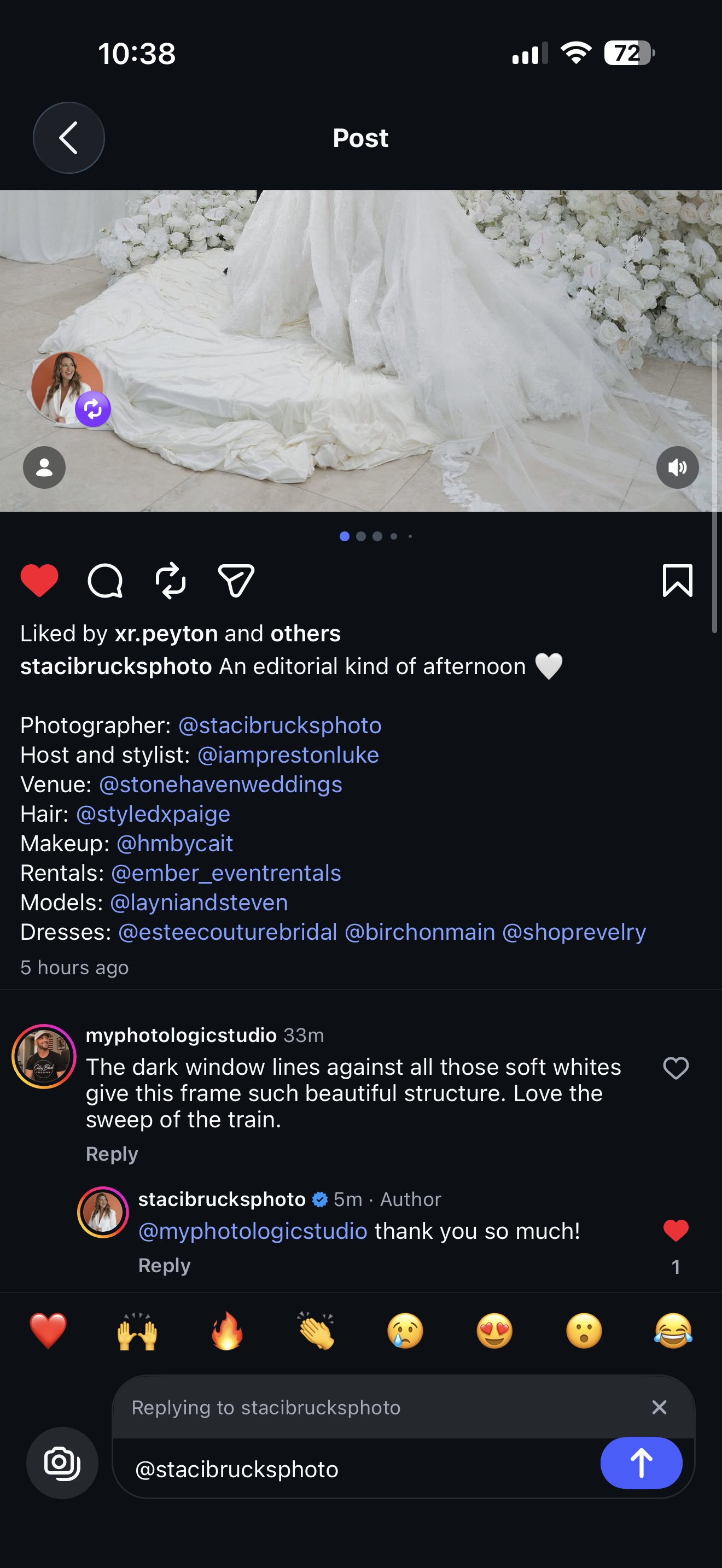
Soft light and warm marble. A posted comment receives a real reply.
 Open original ↗
Window lines and a dress train. A thank-you is engagement, not proof of a sale.
Lesson 14 connects these examples to the actual Dot prompts, the audience clarification, writing corrections and the saved continuation process.
WHAT YOU TAKE FROM THE CASE STUDY
Work from the campaign example to define who you want to reach, what you offer and how AI should represent you.
See how I direct the AI, review its work and track the conversations so the next step is clear.
We’ll go step by step in the webinar. Ask questions, connect it to your business and revisit the lessons afterward.
$200 includes the webinar and the full AI course. Instagram automation is one practical use case. You’ll also learn voice, avatars, custom tools and workflows.
PICK A STARTING POINT
One process. Different possibilities. Explore the skills we connect in the course.
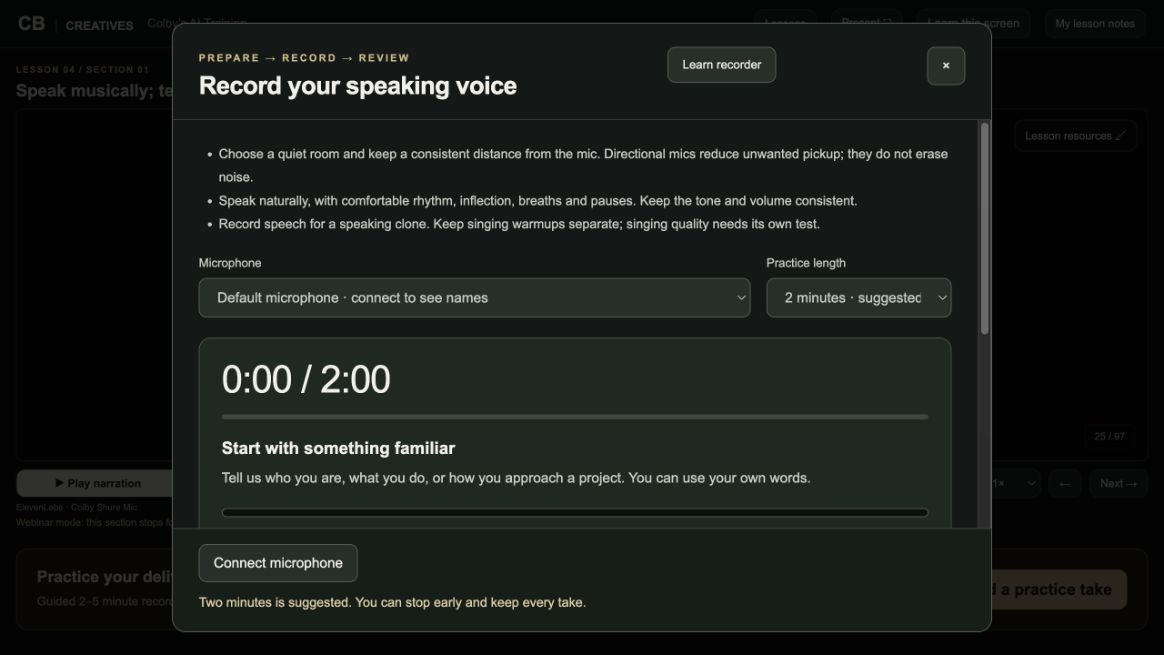
Use the course recorder to practice your delivery, listen back and save your own voice recording.
FROM “COULD AI DO THIS?” TO “HERE’S HOW.”
A video you keep putting off. A repetitive business task. A custom tool you wish existed. We’ll walk through how to give AI the context, direction and feedback to make useful progress.
WHAT YOU’LL LEARN
Follow the process from a better brief to a working result, with examples from Colby’s own projects.
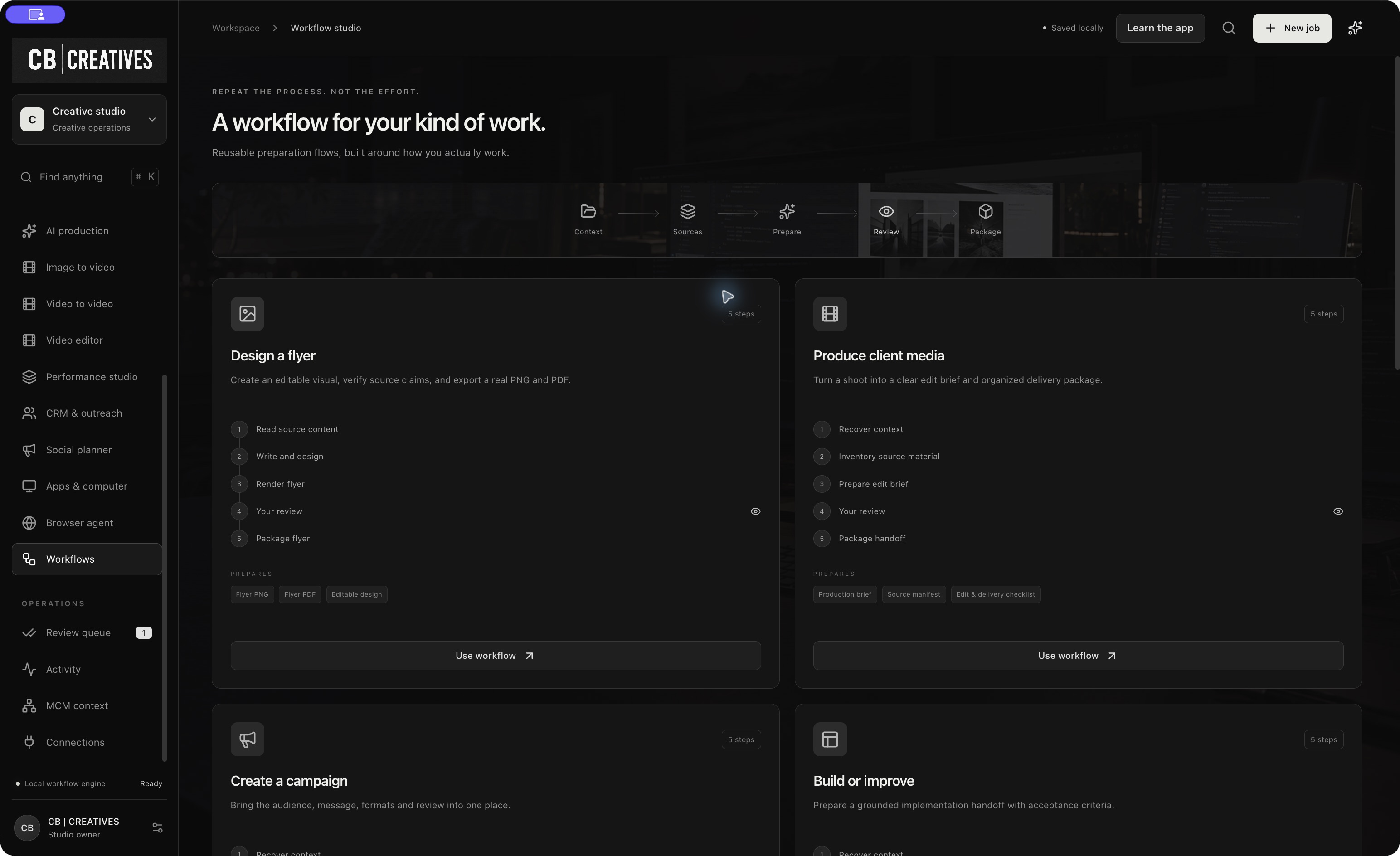
Set up custom instructions, give useful project context, and check answers before relying on them.
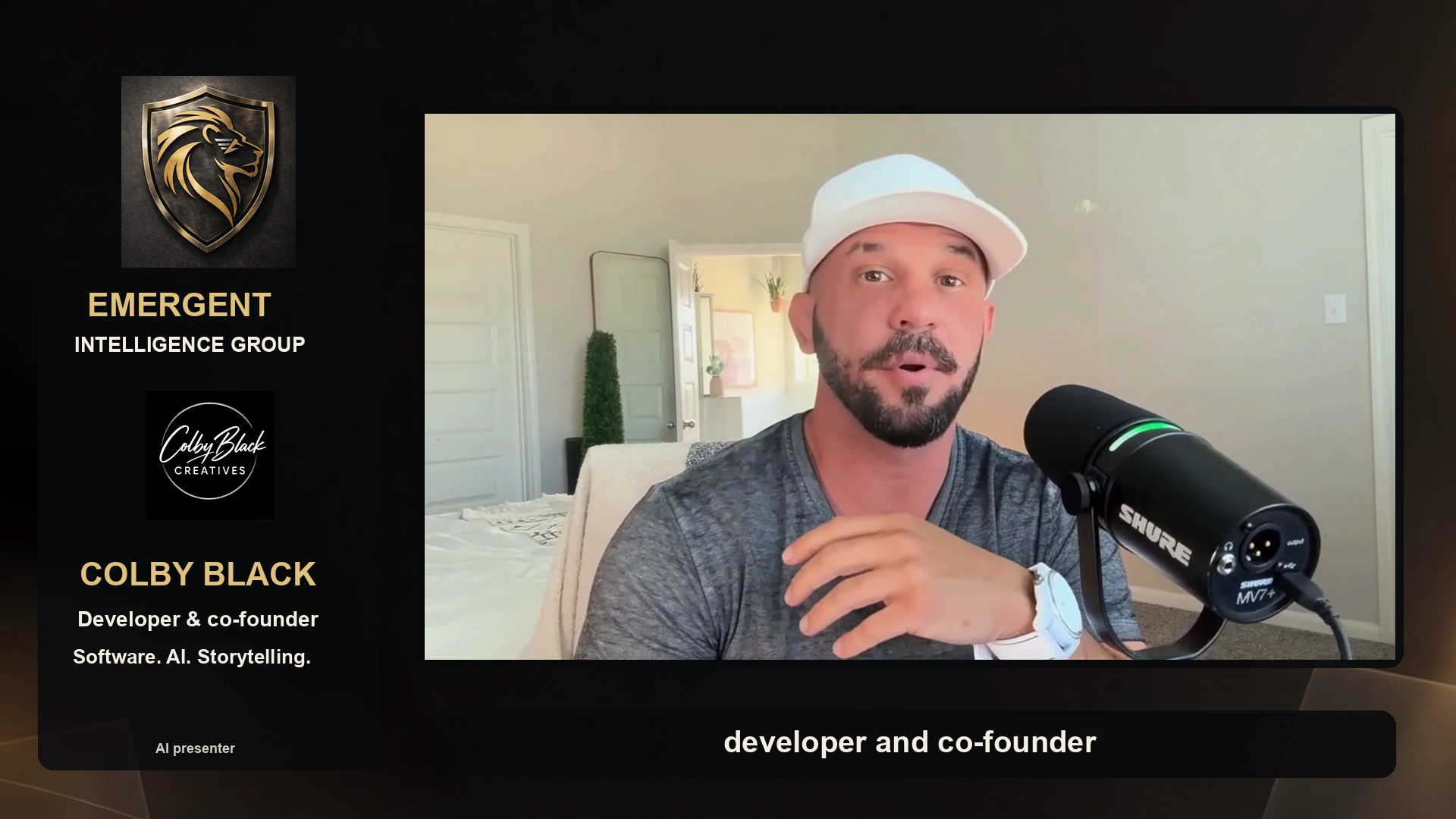
Compare real recordings and cloned speech. See how lighting, identity references and avatars come together.
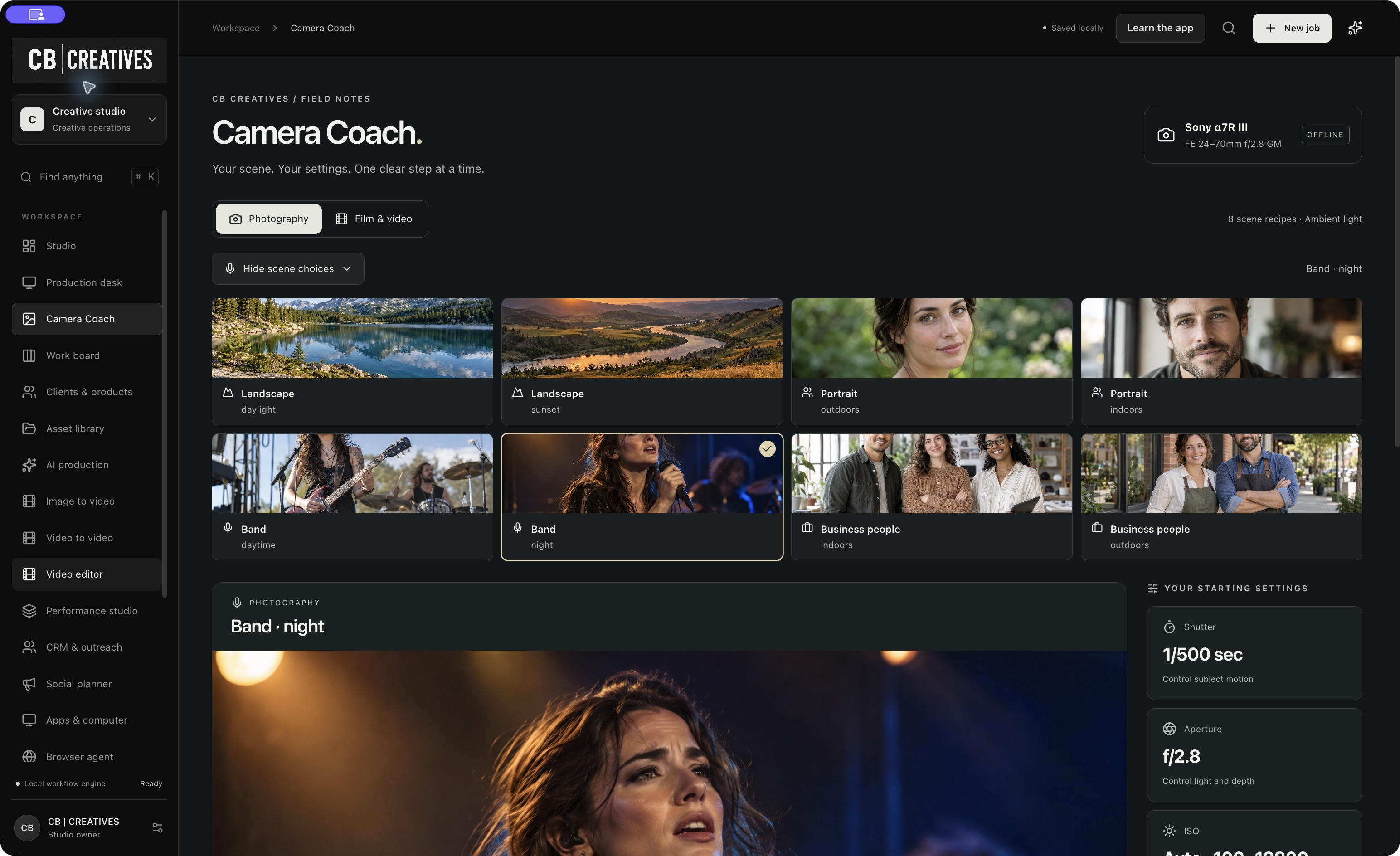
Explore custom dashboards, workflows, GitHub and agents, including a critic that helps you catch weak spots.
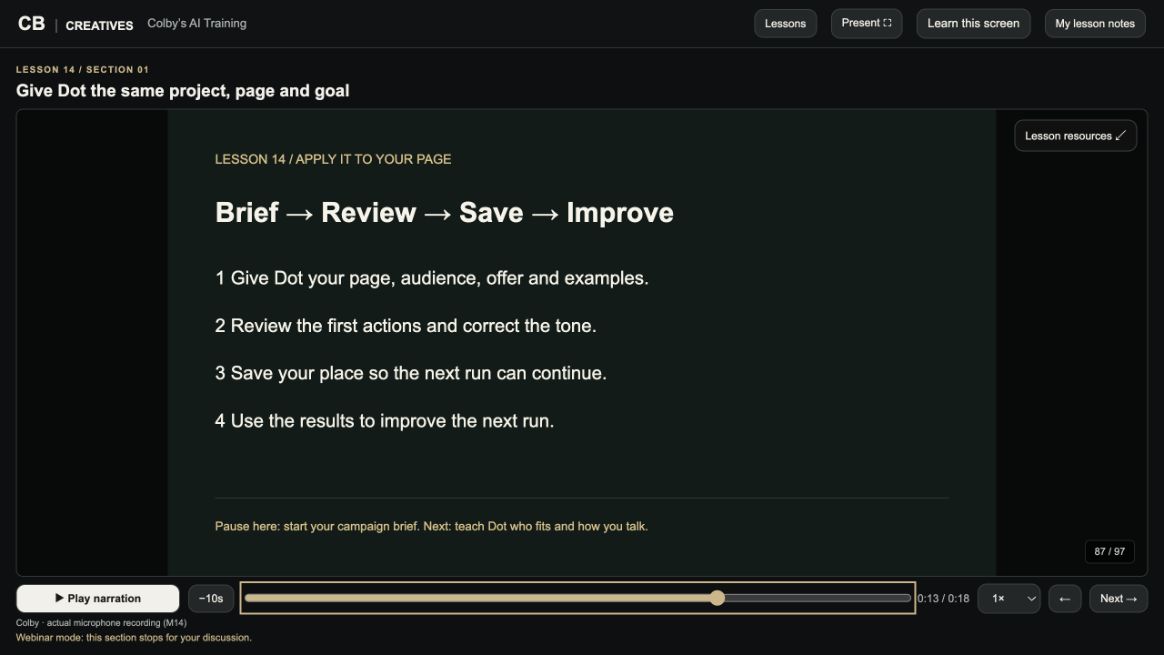
Use the Photo Logic Studio campaign to learn audience research, personalized outreach, reply tracking and follow-up, with your review at each step.
A CLASS YOU CAN RETURN TO
We use the same course during the webinar that you can revisit afterward. You don’t have to remember everything the first time.
Watch the lesson, avatar or demonstration. See what we’re making and why.
Colby explains the choices, connects it to your work and answers questions.
Revisit individual sections, deeper explanations, work examples and linked practice tools.
YOUR GUIDE / COLBY BLACK
Photography. Video. Custom apps. AI workflows. This course brings those projects into the lesson so you can see the decisions behind the result.
Some sections use my digital avatar and cloned voice. Others use my real recordings. We use those differences as part of the teaching.
Bring your questions. Bring your project. ↗YOUR NEXT STEP
Enroll now to open the course, or request class details below. The guided webinar date will be announced separately.
One-time purchase, plus applicable tax. Webinar date to be announced. External AI tools may require their own subscriptions or credits.
Enroll · $200 ↗A FEW THINGS YOU MIGHT BE WONDERING
No coding experience is required to start. We begin with context and clear instructions, then show how those skills carry into workflows, agents and custom tools. Bring a laptop and a real task to work on.
Yes. Photography and creative projects supply many of the examples, but the process applies to business owners, creators and teams who want to improve how they work with AI.
The webinar with Colby, discussion and Q&A, plus access to the course’s individual lessons, explanations and work examples. Third-party tool subscriptions and generation credits are separate.
The 500-follower result is a real case study, not a promise for every page. Your audience, content, offer and execution matter. The lesson shows the process and how to track your own results so you can improve it.
The webinar date has not been announced yet. “Enroll · $200” takes you through sign-in and Stripe checkout for a one-time purchase, plus applicable tax. Your course opens after payment confirmation. The separate class-details form only requests information and does not charge you.
We save your name, email, optional learning goal and referral information in our private training CRM so the CB CREATIVES team can respond about this class. We don’t sell your contact information. To stop follow-up or request removal, email myphotologicstudio@gmail.com.